
Not every scheduling tool is built for virtual meetings. If you run a service-based trade like landscaping, plumbing, HVAC, or cleaning, here are the best tools that are actually made for your kind of work—mobile-friendly, easy to use, and ready for the field.
If you’ve ever tried to schedule jobs using a tool designed for corporate meetings, you’ve probably run into this frustration:
Too many clicks. Too many features you don’t need. And not enough of what you actually do—like travel buffers, job notes, or handling walk-ins and last-minute changes.
Trade businesses like landscaping, HVAC, electrical work, and cleaning services need something different. You don’t live in your inbox, and your clients don’t either. You need software that’s field-ready, fast, and simple to manage—without the bloat of meeting software.
Here are the scheduling tools that actually get trade businesses—and how to choose the right one for yours.
What Makes a Scheduler “Trade-Friendly”?

Before jumping into the tools, let’s talk about what really matters for a service-based business that operates in the field:
-
Visual calendar view: A daily or weekly calendar you can glance at and know who’s going where.
-
Easy job entry: Type in a client name, time, location, and that’s it.
-
Mobile access: Works on your phone or tablet—because you’re not always at a desk.
-
Travel buffers: You need room between jobs, not back-to-back bookings like a Zoom coach.
-
Team scheduling: Whether it's one crew or five, you need to assign jobs to the right people.
Bonus points if it sends automatic reminders and helps avoid double-booking.
Tools That Understand Trades
Let’s walk through some of the best scheduling tools that actually support the way tradespeople work—starting with our top picks you can try today.
SimplyBook.me
Read more here.
Why It Works for Trades:
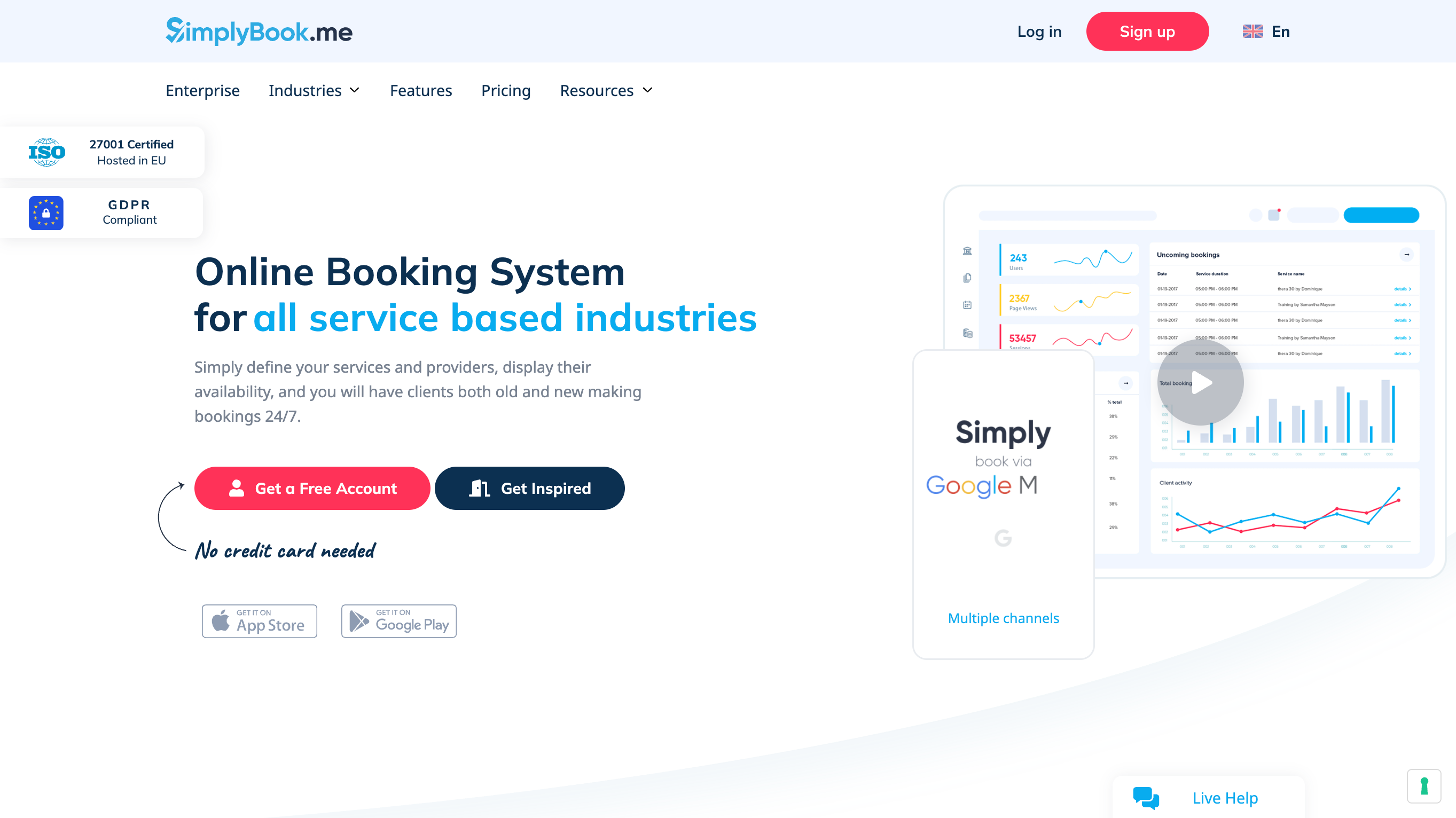
SimplyBook.me gives you a super flexible system that can handle one-person operations or small teams. You can set service durations, add custom fields (like job site info), and even offer online payments if needed. It’s got a clean calendar interface, mobile admin access, and optional SMS/email reminders.
It’s perfect for landscapers, electricians, and cleaners who want something more professional than a spreadsheet—but not complicated.
Bonus: You can embed your booking page right on your website or Facebook page.
Pricing:
There’s a generous free plan (great for getting started), and paid plans begin affordably, scaling with your needs.
Appointlet
Read more here.
Why It Works for Trades:
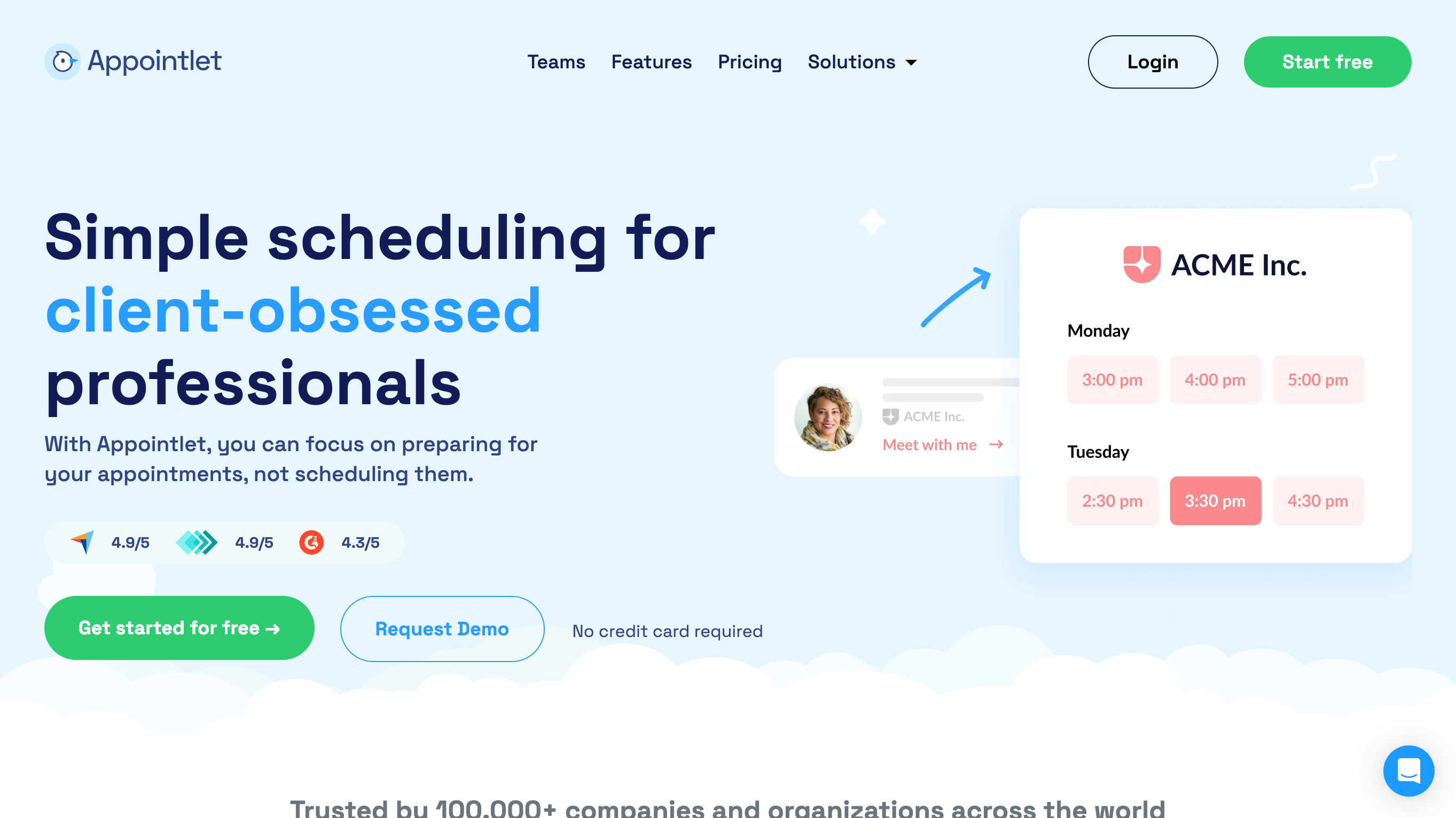
Appointlet is excellent for small service teams that need flexibility without fluff. You can create different booking types (e.g., “30-minute estimate,” “Full Service Clean”), set specific team member availability, and integrate with Google Calendar.
If you’re juggling customer quotes, job confirmations, and technician schedules, Appointlet keeps things simple.
Notable Features:
-
Works well across devices
-
Built-in buffers
-
Customize your booking link for easy sharing
Book Like a Boss
Read more here.
Why It Works for Trades:
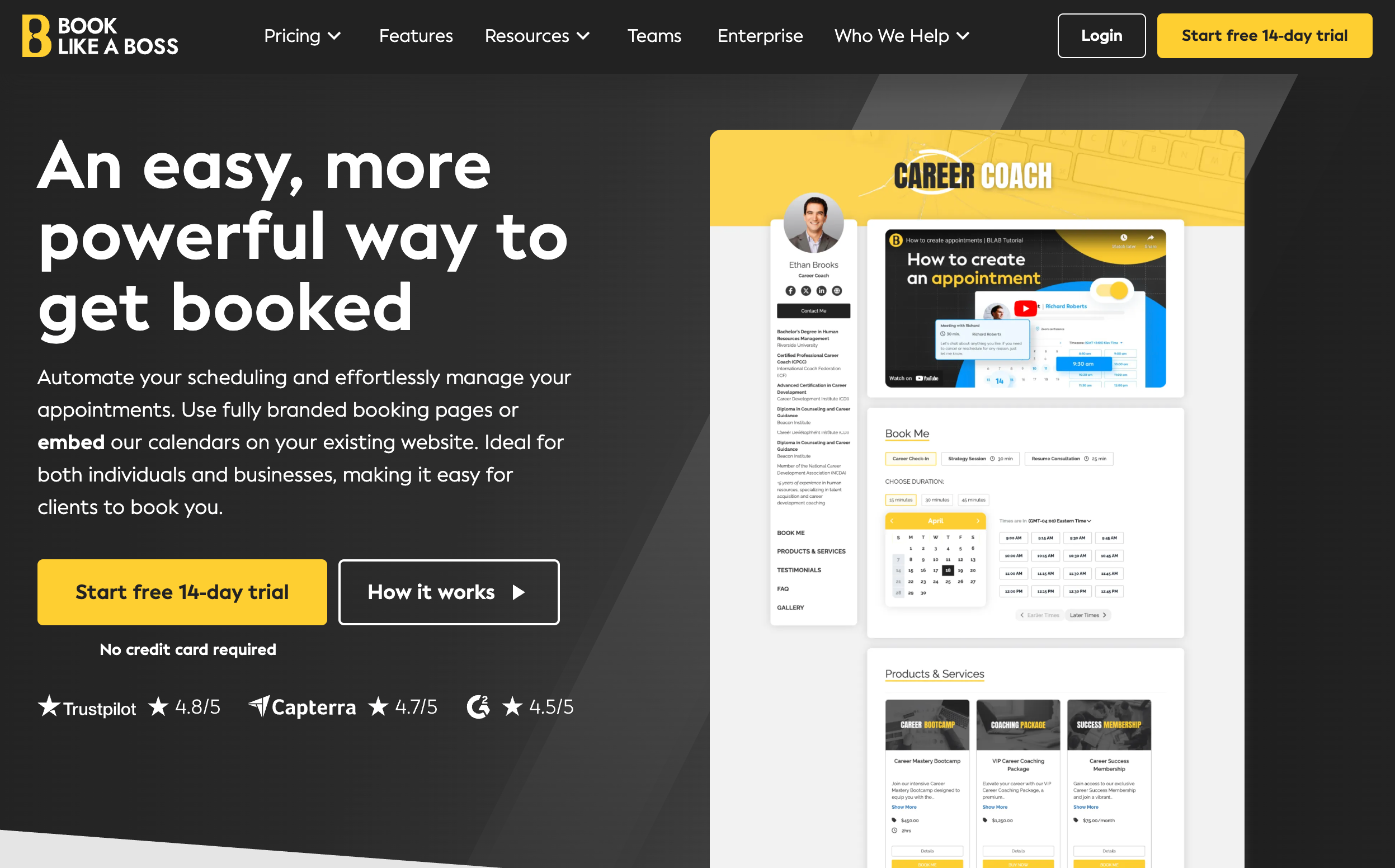
This one stands out for its visual presentation. If you want to offer a clean, professional booking experience with optional payments, upsells (think: lawn add-ons or after-hours service), and branded pages, Book Like a Boss is worth a look.
Great for independent contractors who want to look polished without hiring a designer.
Trade-Friendly Features:
-
Full branding control
-
Add-on services and packages
-
Built-in buffers and availability rules
What About Google Calendar?
If you’re just starting out and need a basic, visual calendar view—Google Calendar works. You can color-code appointments, invite team members, and sync with your phone.
But you’ll run into limitations fast: no automatic reminders, no booking page, and no built-in policies. That’s when something like SimplyBook.me or Appointlet becomes a smart upgrade.
Final Thoughts
Not all schedulers are built for the field—and if you’re running a service-based trade business, using the wrong tool can cost you time, missed appointments, or even lost clients.
Whether you’re a solo landscaper or managing a small cleaning crew, the right scheduler should save you effort—not add more tabs to your day.
Ready to Upgrade?
We’ve reviewed dozens of options so you don’t have to.
👉 Browse the top picks for trade businesses on CalCompanion and see which one fits your workflow best.