
For busy solopreneurs and coaches, spending hours wrestling with scheduling software isn’t an option. That’s where TidyCal shines—it offers a straightforward way to set up paid bookings quickly, so you can start accepting payments without the tech headache.
In this guide, we’ll walk through how to get your paid booking system live in TidyCal in under 10 minutes.
Why Choose TidyCal for Paid Bookings?
TidyCal combines simplicity with essential features: clean calendar interfaces, built-in payment options via Stripe and PayPal, and automated notifications. Unlike more complex platforms that require multiple integrations or steep learning curves, TidyCal lets you focus on your clients, not the tech.
Step 1: Create Your TidyCal Account
Start by signing up for TidyCal. The onboarding process is intuitive, guiding you through calendar setup and basic preferences. If you already have a TidyCal account, log in and head to the dashboard.
Step 2: Connect Your Calendar
TidyCal syncs seamlessly with Google Calendar. Connect your existing calendar to avoid double bookings and keep your schedule centralized.
Step 3: Set Up Your Booking Page
Within TidyCal, create a booking page. Here you define the types of appointments you offer—whether 30-minute consultations, 60-minute coaching calls, or recurring sessions. Set your availability so clients only book times that work for you.
Step 4: Enable Payment Collection
Navigate to the payment settings. TidyCal supports both Stripe and PayPal, giving clients convenient options to pay when they book. Connect your payment processor by entering your account details. Once linked, specify the price for each appointment type.
Step 5: Customize Notifications and Reminders
Keep your clients informed and reduce no-shows by customizing email notifications and reminders. You can set automatic confirmation messages, reminders before appointments, and follow-up emails.
Step 6: Share Your Booking Link
Once your setup is complete, share your booking page link on your website, social media, or directly with clients. The clean interface makes it easy for clients to schedule and pay in one seamless flow.
Why This Matters for Your Business
Having paid bookings set up means no more chasing invoices or worrying about no-shows without a deposit. You get paid upfront, improve cash flow, and provide a professional client experience that builds trust.
How TidyCal Compares
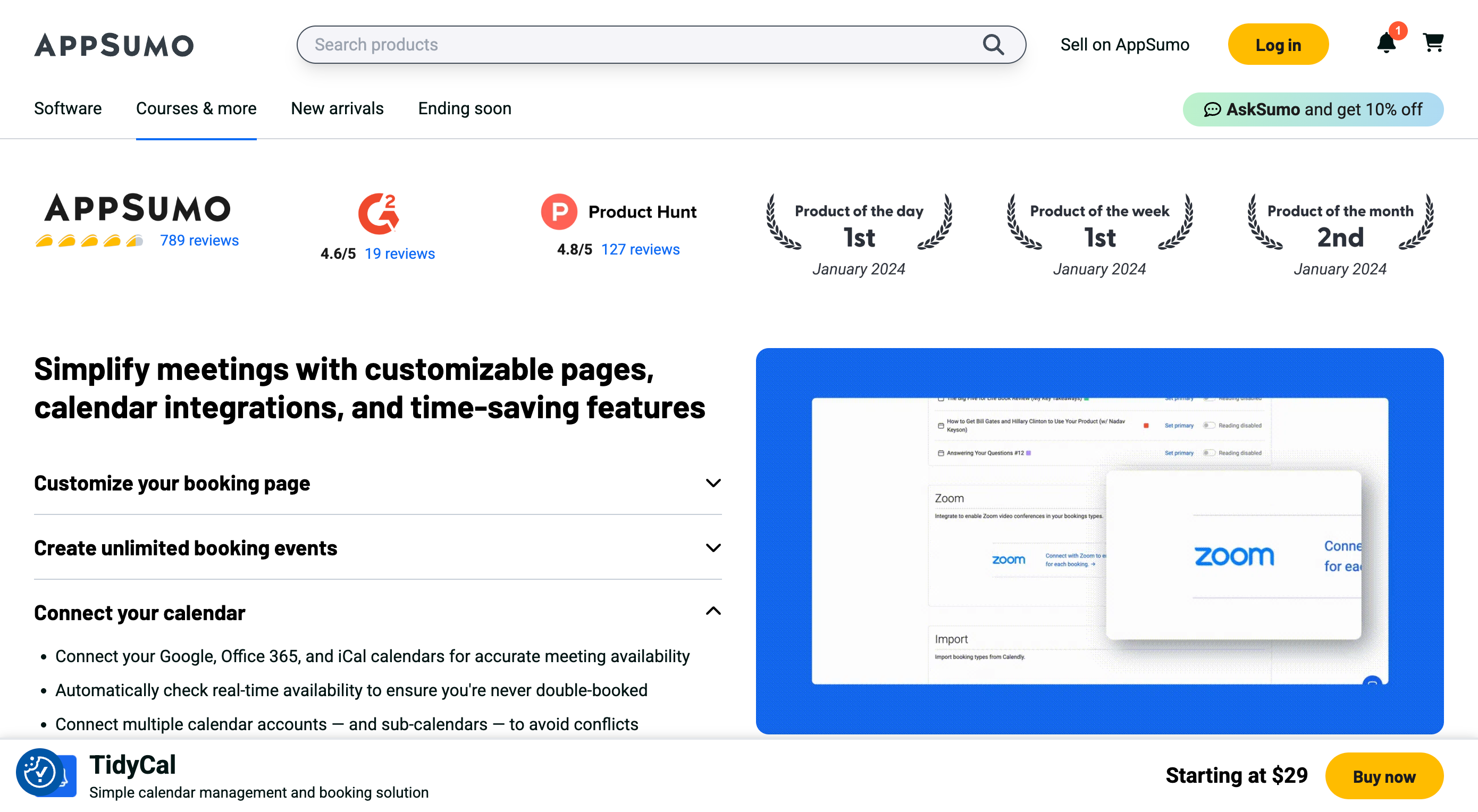
If you’re familiar with tools like Calendly or HoneyBook, you’ll find TidyCal refreshingly straightforward. Calendly offers similar payment integrations but at higher price points and with more complexity. HoneyBook provides a full client management system but requires more setup and investment.
TidyCal strikes a balance: essential features, easy payment setup, and affordability.
Final Thoughts
Setting up paid bookings doesn’t have to be complicated or time-consuming. TidyCal lets you launch a professional scheduling and payment system in minutes—so you can focus on delivering your service.
Explore TidyCal today and see how simple paid bookings can be.