
For solopreneurs, coaches, and small business owners, staying on top of appointments and payments is crucial. Between client calls, project deadlines, and personal errands, it’s easy for things to slip through the cracks. That’s why mobile-friendly scheduling apps are a lifesaver—they let you manage your business from anywhere, keeping you organized and professional.
Why Mobile Scheduling Is a Game Changer
When your calendar is always with you, you can:
-
Confirm or reschedule appointments instantly.
-
Accept deposits and payments without waiting for a desktop.
-
Send automatic reminders to reduce no-shows.
-
Keep client notes and preferences handy for every meeting.
Being responsive and organized builds trust with clients and saves you stress.
Best Apps for Mobile Management
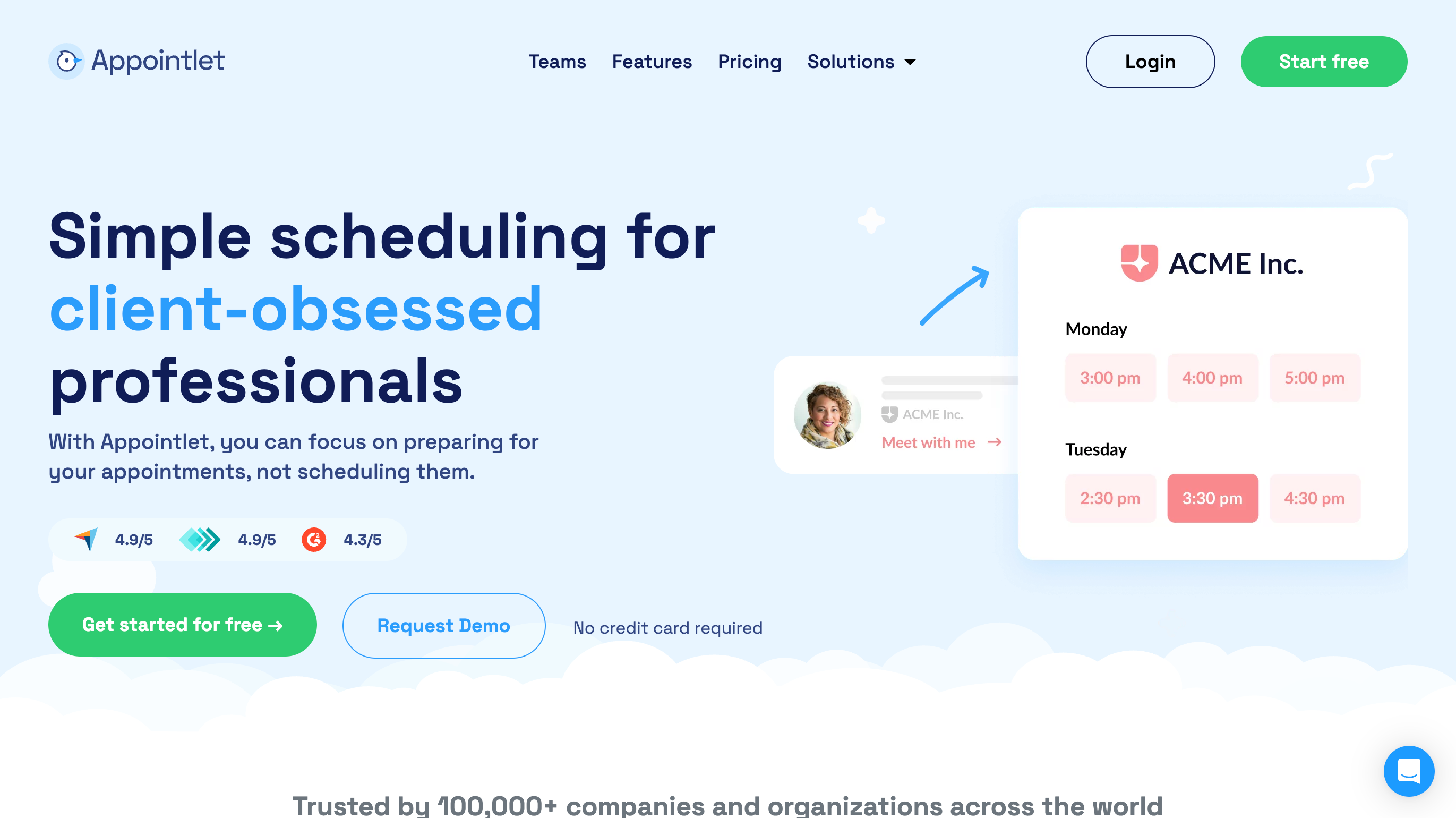
Appointlet – Manage individual and team schedules on the go. Perfect for small teams needing a shared calendar accessible from any device.
Setmore – Offers robust mobile dashboards where you can view appointments, manage services, and process payments.
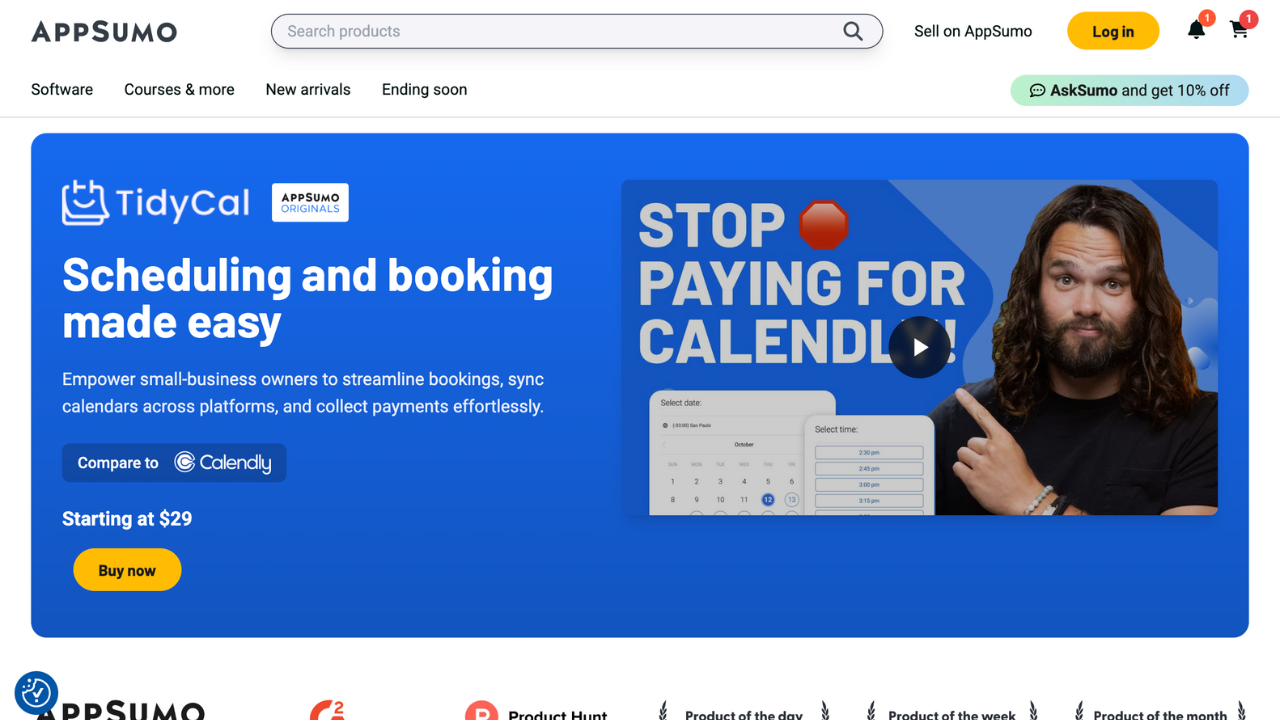
TidyCal – Minimalist, intuitive, and perfect for solopreneurs who want simplicity and functionality in one mobile app.
Tips for Using Mobile Scheduling Effectively
-
Enable push notifications: Stay on top of new bookings or cancellations immediately.
-
Sync with your calendar: Avoid double bookings by integrating with Google Calendar, Outlook, or iCal.
-
Accept payments immediately: Secure deposits or full payments directly in the app to avoid delays.
-
Use recurring appointments: Set up repeating sessions to save time and reduce manual entry.
-
Track client communication: Keep notes and follow-up reminders within the app to stay organized.
Even a few minutes of daily mobile management can prevent hours of back-and-forth emails, phone calls, and missed opportunities.
Why Mobile Tools Beat Desktop-Only Scheduling

-
Flexibility: You can make changes anywhere, whether between client visits or during travel.
-
Efficiency: Handle scheduling, payments, and client communication all in one place.
-
Professionalism: Responding quickly makes your business look polished and reliable.
Pro Tip: Pair mobile scheduling apps with automated reminders and payment tools to reduce administrative work and free up time for actual business growth.
Take a look at TidyCal, Setmore, or Appointlet to see which app fits your workflow best and start managing your appointments and payments wherever you are.