For solopreneurs and small business owners, being tethered to a desktop can feel limiting. You’re juggling appointments, client calls, and payments while trying to run your business. That’s where mobile-friendly scheduling software comes in—it lets you manage your operations from your phone or tablet, keeping your business flexible and accessible wherever you are.
Why Mobile Scheduling Matters
Clients expect convenience. If you can’t respond quickly or update your schedule on the go, you risk missed bookings and frustrated clients. Mobile-friendly platforms allow you to:
-
Check your availability anytime
-
Accept new bookings on the fly
-
Communicate with clients via email or SMS
-
Process payments without opening a laptop
For service-based businesses like coaching, wellness, or freelancing, this level of accessibility can save hours of back-and-forth every week.
Top Mobile-Friendly Platforms
Several scheduling tools are optimized for mobile use. Here are a few worth considering:
-
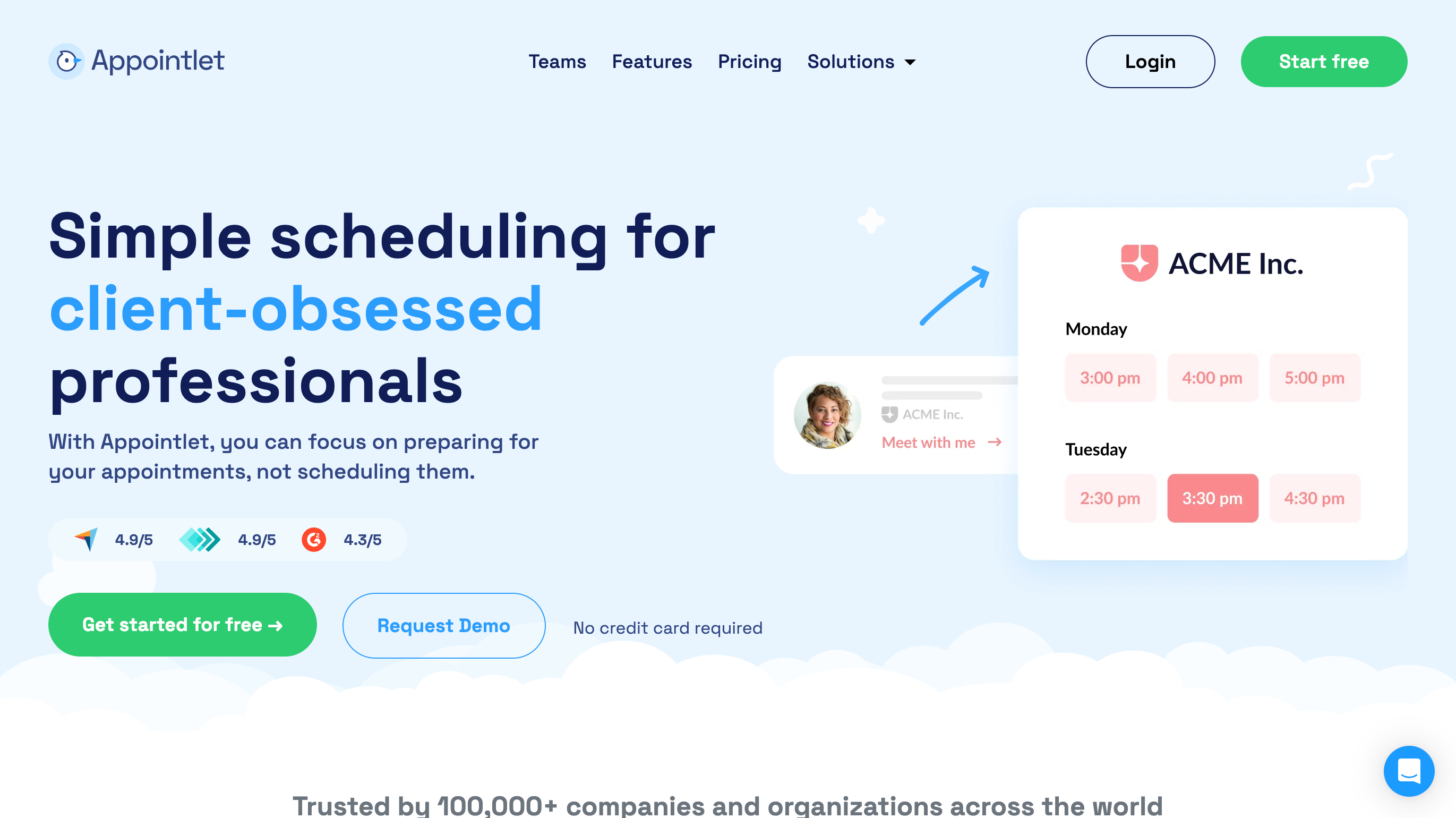
Appointlet: Offers a simple, responsive mobile interface that lets you manage meetings, send reminders, and adjust availability instantly.
-
Setmore: Its mobile app handles bookings, staff calendars, and payment collection, all while keeping you connected to your team and clients.
-
TidyCal: Lightweight and easy to navigate, TidyCal is ideal for solopreneurs who want a straightforward scheduling tool without unnecessary complexity.
Each of these platforms allows you to handle your schedule without a desktop, keeping you flexible and efficient.
Step-by-Step Tips for Mobile Scheduling
-
Download the App and Sync Calendars
Make sure your mobile app syncs with Google Calendar, Outlook, or other tools you use. This prevents double-bookings and keeps your availability accurate. -
Enable Notifications and Reminders
Turn on push notifications to get instant alerts for new bookings or cancellations. This keeps you responsive, even when you’re away from your desk. -
Set Up Payment Options
Many mobile-friendly platforms let you collect payments via Stripe, PayPal, or other gateways directly from the app. Enable these to reduce no-shows and streamline client transactions. -
Use Mobile Dashboards Efficiently
Customize your dashboard to highlight what matters most: today’s appointments, urgent client messages, or pending payments. Mobile dashboards often allow quick access to these key features without scrolling through menus. -
Communicate on the Go
Use built-in messaging tools to confirm appointments or send follow-ups. Mobile access ensures client communication stays consistent, which is key for client retention.
Advantages Over Desktop-Only Tools
-
Flexibility: Manage your schedule anywhere, anytime.
-
Faster Response Times: Clients get faster confirmations, reducing frustration.
-
Reduced Admin Load: Handle multiple tasks—booking, payments, messaging—from one app.
-
Better Work-Life Balance: Check in on your schedule without being chained to a computer.
Final Thoughts
For small business owners, the ability to run your operations entirely from a mobile device isn’t just convenient—it’s often essential. Platforms like Appointlet, Setmore, and TidyCal provide the functionality needed to keep your schedule organized, clients happy, and payments flowing, all without sitting at a desk.
If you’re ready to take control of your business on the go, explore these mobile-friendly scheduling tools and see which one fits your workflow best.