Looking for mobile-friendly client booking software? Here’s how to choose one that keeps your business moving—whether you’re in the office or out in the field.
If you're running a service-based business in 2025—whether you're a solo coach, a wellness practitioner, or a local landscaping crew—you’re likely not at your desk all day. You're checking messages between appointments, confirming bookings in the car, or rescheduling from your phone.
This is why mobile-friendly booking software isn’t a nice-to-have—it’s essential. You need a tool that’s fast, clear, and accessible wherever you are.
In this guide, we’ll look at what makes a client scheduler truly mobile-friendly, what to avoid, and a few standout tools that get it right.
What "Mobile-Friendly" Actually Means for Scheduling Tools
It’s not just about a smaller screen version of a desktop dashboard. A good mobile-friendly scheduler should:
-
Be fully responsive on both Android and iOS
-
Allow clients to book and reschedule without desktop access
-
Offer real-time calendar sync so your availability is always up to date
-
Let you manage bookings, cancellations, and reminders on the go
-
Send you push notifications or emails for real-time alerts
In short: it should help you run your schedule from your pocket without frustration.
Who Needs Mobile-First Scheduling Tools?
This isn’t just about convenience. If you fall into any of the following, mobile support is key:
-
Tradespeople or mobile service providers (e.g., landscaping, cleaning, consulting)
-
Coaches and freelancers who travel to clients or work outside a fixed office
-
Busy solopreneurs trying to manage leads, bookings, and follow-ups from their phone
-
Anyone juggling both business and home life (think: checking schedules between soccer drop-off and your next call)
A Few Mobile-Friendly Scheduling Tools That Stand Out
Here are a couple of solid options—tested and trusted for real-life use:
SimplyBook.me
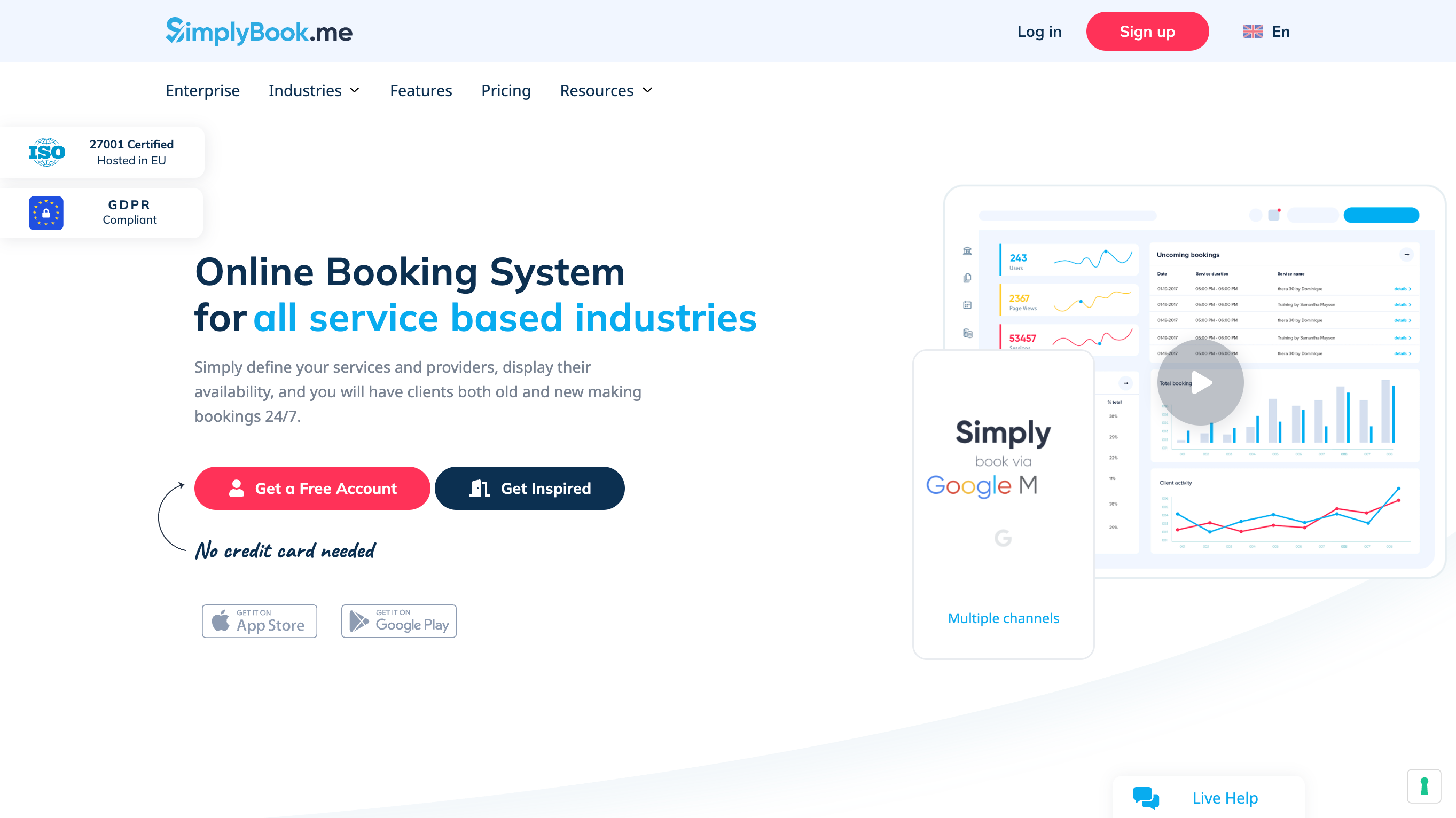
Ideal for service providers and coaches, this tool comes with a mobile-ready booking page, accepts payments, and integrates seamlessly with Google Calendar. You can also manage appointments from their admin mobile app—whether you're on iOS or Android.
Great for: Service-based businesses, wellness pros, salons, and coaches.
Book Like a Boss
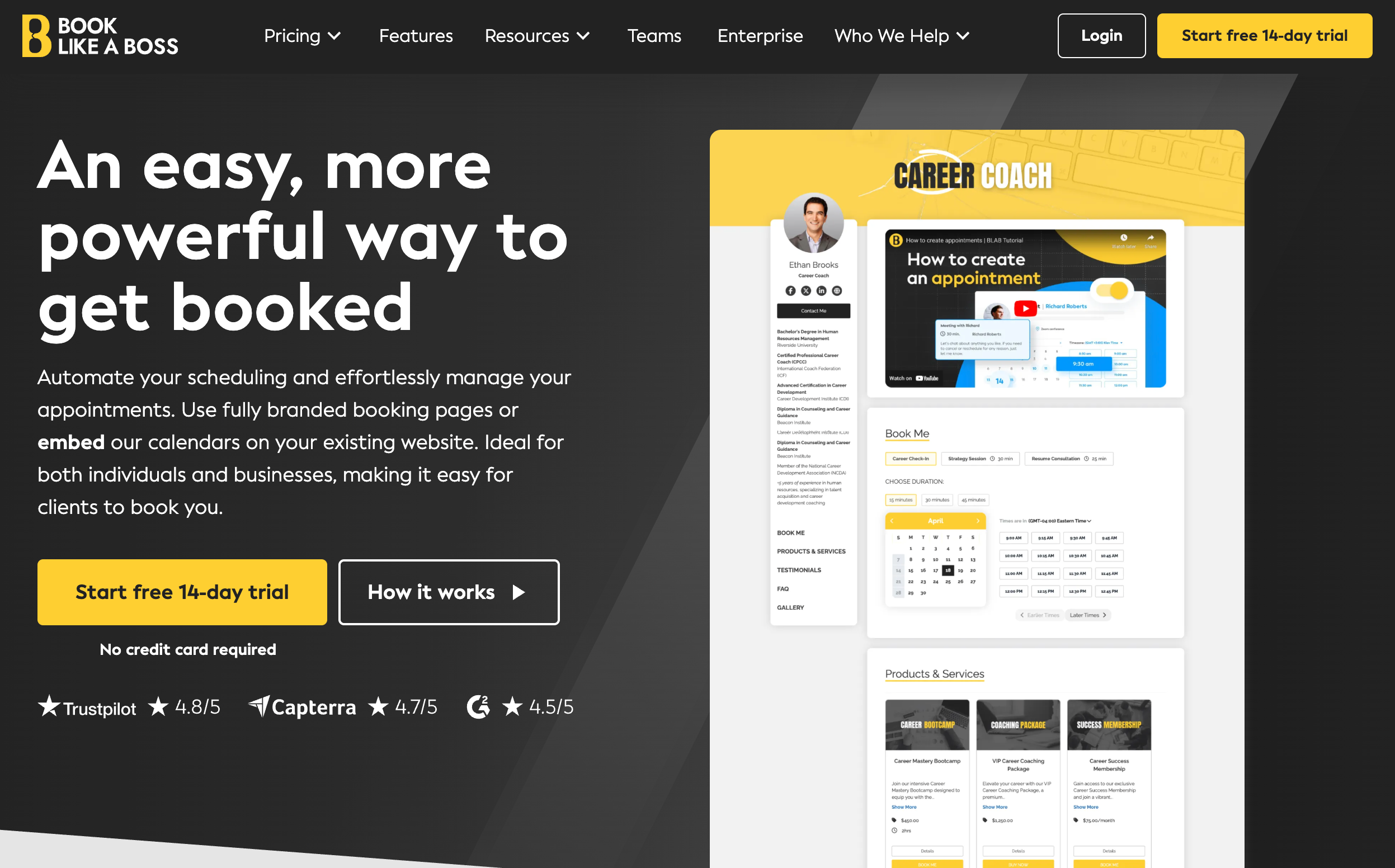
Known for beautifully branded booking pages, this one also works well on mobile—both for the client and the business owner. It syncs with your calendar, collects payments, and lets you set custom availability all from your phone. A strong pick if aesthetics matter as much as ease of use.
Great for: Freelancers, solopreneurs, creators, and anyone selling sessions or packages.
Simply Schedule Appointments (WordPress Users Only)
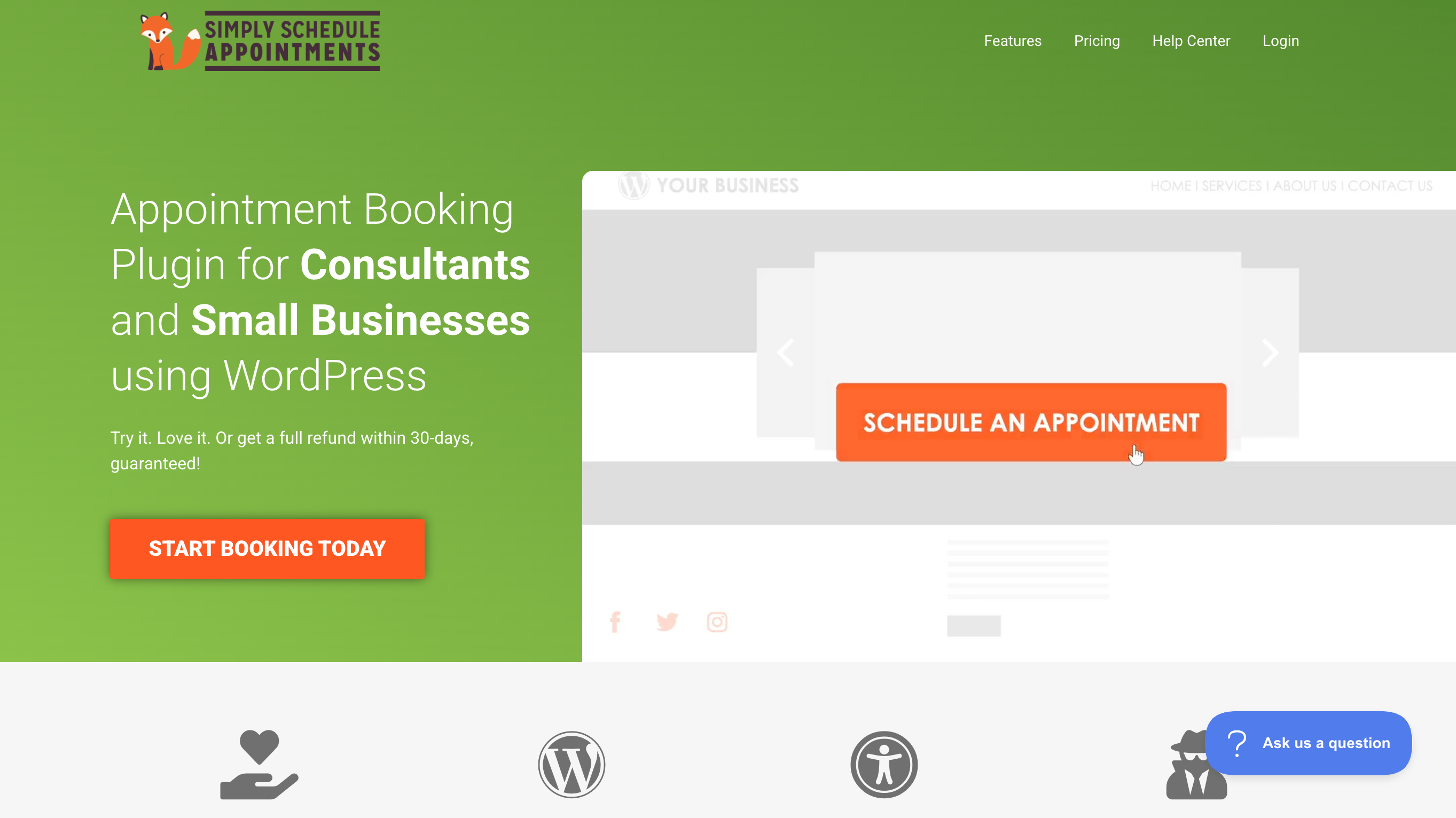
If your site is on WordPress and you want full control, SSA is a self-hosted plugin that lets clients book on mobile while giving you admin access via your site. It’s fast, reliable, and tailored to those who want a lightweight but flexible system.
Great for: Coaches and consultants who already manage their site in WordPress.
What to Watch Out For
Not every booking tool is optimized for mobile—even if it says it is. Here are red flags:
-
Dashboards that don’t adapt properly on small screens
-
Booking links that force users to desktop
-
No mobile app or difficult-to-use mobile admin view
-
Limited calendar sync when working from your phone
Final Thought: Make Your Scheduler Work With You

A booking tool shouldn’t force you to be at your laptop. Whether you're out on a job, in between sessions, or growing your business from your phone—it should help you stay booked and in control.
When comparing tools, always test the mobile experience from both sides: the client and your admin view. You’ll know in minutes if it’s going to frustrate you—or free you up.
Explore More Tools:
Want to compare mobile-friendly booking platforms that support your business on the go? Visit CalCompanion.com to browse curated scheduler listings for coaches, creatives, trades, and more.