
If you’ve ever gone back and forth in emails just to set up one meeting, you know how frustrating scheduling can be. That’s why tools like Book Like A Boss (BLAB) are so powerful. With just a few clicks, you get a professional booking page that handles your availability, prevents double bookings, and even collects payments if you need it to.
The best part? You can set it up in about 10 minutes. Here’s exactly how to do it.
Step 1: Create Your Account
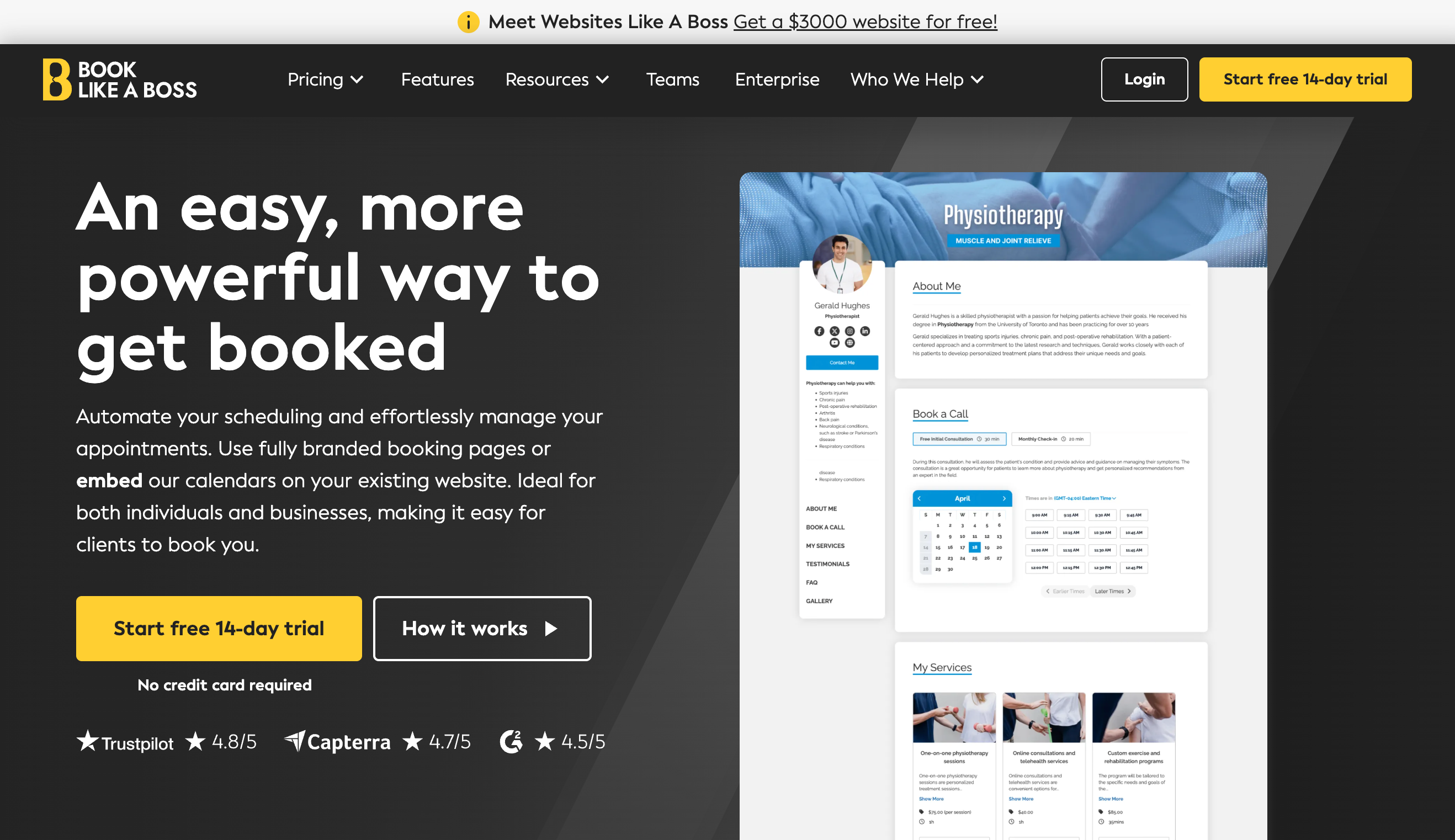
Head over to BookLikeABoss.com and sign up. The process is quick — just your name, email, and a password. Once inside, you’ll land on your dashboard, where all the magic happens.
Step 2: Connect Your Calendar
Next, connect the calendar you already use — Google, Outlook, or iCloud. This ensures BLAB automatically blocks off times you’re busy and only shows clients the slots you’re actually free. No more double bookings or embarrassing conflicts.
Step 3: Add Your First Service
Think about what people usually book with you: a 30-minute call, a 60-minute session, or maybe a consultation package. Inside BLAB, create a new service by giving it a name, setting the duration, and writing a short description. You can add as many services as you like, but starting with one keeps setup fast.
Step 4: Set Your Availability
This is where you take control of your time. Choose the days and hours you want to be available, add buffer times between meetings if you need breathing room, and set how far in advance people can book. BLAB automatically adjusts for time zones, so clients always see the right times.
Step 5: Customize Your Booking Page
Now it’s time to make it yours. Upload a photo or logo, add a headline, and write a short welcome message so people know they’re in the right place. You can also adjust colors to fit your brand. A polished page makes a strong first impression and builds trust instantly.
Step 6: Turn On Reminders & Payments (Optional)

If you want to reduce no-shows, switch on email or SMS reminders. If you charge for your time, connect your Stripe or PayPal account so clients can pay right at booking. This way, you’re not chasing invoices — the system handles it for you.
Step 7: Test It Out
Before you share your link, run a quick test. Open your booking page in a private window or use a different email address to book yourself. Check that the confirmation arrives, the meeting lands in your calendar, and everything looks the way you expect.
Step 8: Share Your Link

That’s it — your booking system is live! Grab your unique link and add it to your email signature, social media bios, or website. You can even embed the booking widget directly onto your site for a seamless experience.
Why This Matters
With Book Like A Boss, you’ve just eliminated scheduling headaches, created a more professional client experience, and freed up time to focus on the work that actually matters. And it didn’t take weeks of tech setup — just 10 minutes.
If you’d rather not do it yourself, we specialize in setting up scheduling systems like BLAB for coaches, consultants, and small business owners. We’ll handle everything — calendar sync, page customization, and test booking — so you can be up and running today.