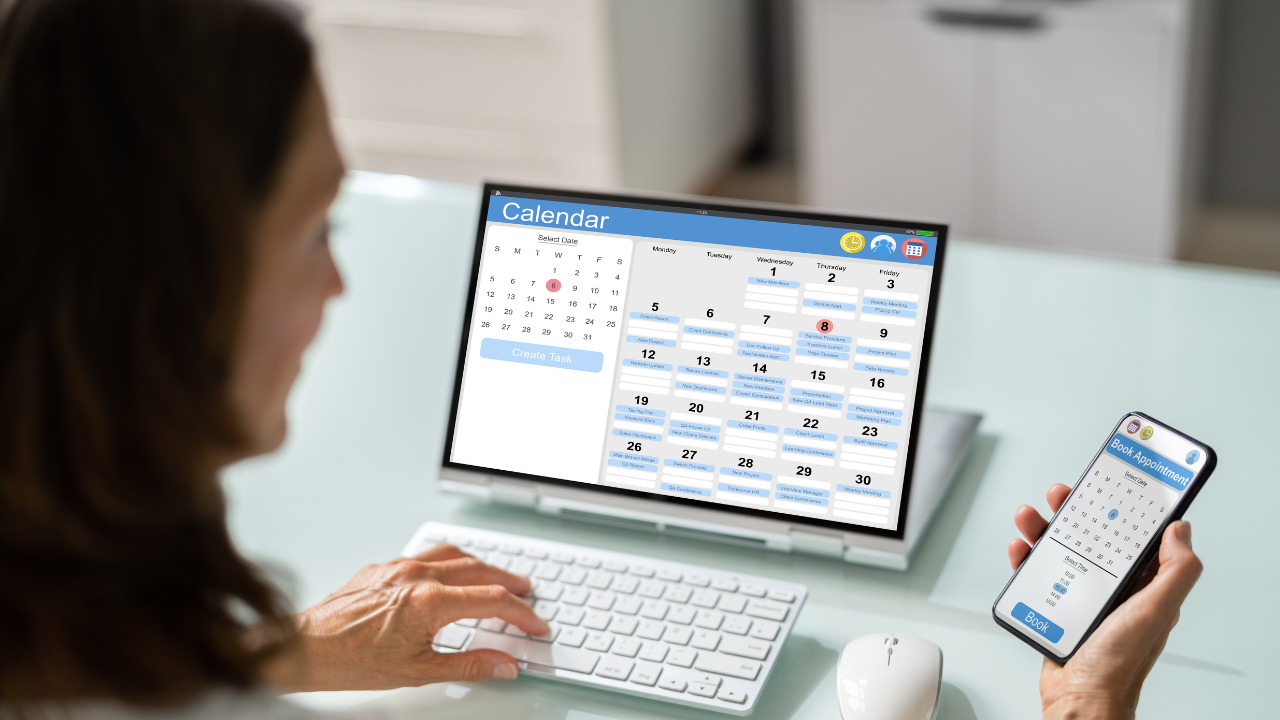
Running a business often means juggling dozens of moving parts. Between serving clients, managing emails, and handling admin work, it’s easy for scheduling to eat up far more time than you realize. Manually going back and forth with clients to find a meeting time, remembering to send confirmations, or chasing late arrivals can quickly add hours to your week.
That’s where scheduling tools come in. Far from being just “online calendars,” the best scheduling apps actually give you back time — time you can reinvest in growth, creativity, or simply taking a break.
In this article, we’ll look at how scheduling software helps professionals reclaim hours every week and which tools are worth considering in 2025.
1. Eliminate Back-and-Forth Emails
The single biggest time drain in scheduling is the “Does Tuesday at 2 work?” cycle. A good scheduler eliminates that completely. You set your availability once, send a link, and your client books a time that works for them.
Tools like Setmore and Appointlet are excellent here. They’re lightweight but powerful enough to replace dozens of scheduling emails a month.
2. Automate Confirmations and Reminders
Missed calls and no-shows don’t just waste your time — they eat into revenue. Scheduling apps can automatically send reminders via email or SMS, reducing no-shows dramatically.
For example, SimplyBook.me allows you to configure reminders at custom intervals, and TidyCal makes it dead simple for solopreneurs to set automated reminders without extra cost.
3. Batch and Protect Your Time
Time management isn’t just about filling your calendar — it’s about protecting focus. Most scheduling apps let you control how many bookings you’ll take per day, add buffer times between calls, and even block out “deep work” hours.
Book Like A Boss is especially strong here: you can create booking pages for specific services and control exactly how they appear, helping you stay in charge of your time while presenting a professional brand.
4. Combine Scheduling with Payments
If you charge for your time, chasing invoices is another time drain. Scheduling apps that integrate payments let you collect fees at the moment of booking. That means no chasing, no awkward reminders, and no unpaid sessions.
HoneyBook (for service providers managing contracts and invoices) and TidyCal (for solopreneurs keeping things lean) both shine in this area. This single feature alone can reclaim hours every week.
5. Use Scheduling as a CRM Shortcut
If you’re not ready for a full customer relationship management (CRM) system, some scheduling apps double as lightweight CRMs. They log client details, track appointments, and even let you add notes.
For smaller businesses, this eliminates the need to manually enter client data into spreadsheets or send follow-up reminders by hand. Simply Schedule Appointments is particularly good for WordPress users who want this functionality built right into their site.
6. Scale Team Scheduling Without Chaos
If you run a team, managing multiple calendars manually is a recipe for burnout. Scheduling tools with role-based access and shared calendars ensure that everyone’s availability is visible, up to date, and automatically synced.
This is where tools like Appointlet and SimplyBook.me can really save hours — they handle round-robin scheduling, group bookings, and multi-staff availability without the mess of spreadsheets.
Time Saved = Growth Gained
Let’s put this into perspective. Say you spend 15 minutes per client booking on emails, reminders, and payments. With just 20 bookings a month, that’s five hours gone. A scheduling tool automates almost all of that. Multiply it across months and years, and you’ll see why professionals swear by these platforms.
Pricing Snapshot
-
TidyCal – one-time payment option, great for solopreneurs.
-
SimplyBook.me – scalable, robust, ideal for teams or growing service businesses.
-
Setmore – free tier available, easy to get started.
-
HoneyBook – higher price point, but includes contracts, invoicing, and more.
(Always check the official sites for current pricing.)
Final Thoughts
Time is the one thing you can’t get back — and it’s also the one thing clients will always demand more of. Scheduling tools aren’t just about convenience; they’re about creating systems that let you focus on the work that matters most.
If you’ve been stuck in the scheduling shuffle, try out a tool that matches your business size and style. Whether it’s TidyCal for simplicity, Book Like A Boss for branding, or SimplyBook.me for growing teams, the right scheduler can reclaim hours you didn’t even realize you were losing.
Next Step: Explore one of the tools mentioned above and set up your availability. After the first week, you’ll wonder how you ever worked without it.