
Why Doodle?
If you’ve ever tried to coordinate a group meeting by email, you know the pain. Back-and-forth replies, time zone confusion, and endless “Does this time work?” threads. Doodle solves that. It’s built for finding the best time across groups—whether that’s clients, teams, or even family events.
This cheatsheet will walk you through setting up Doodle so you can start scheduling in minutes.
Step 1: Sign Up for a Free Account
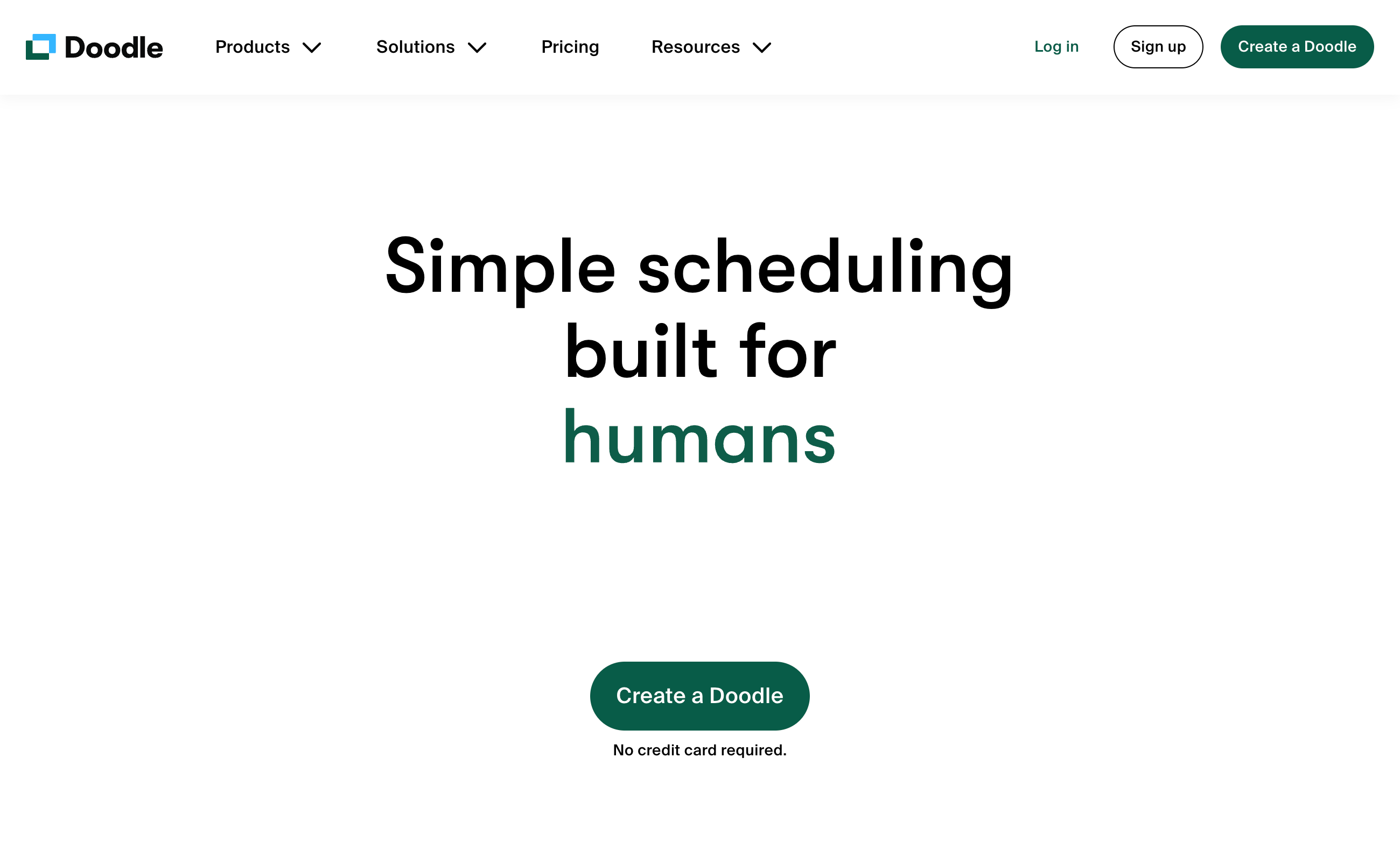
Head to Doodle.com. You can sign up with Google, Microsoft, or an email address. The free version already covers the basics, but paid plans unlock advanced features like custom branding, reminders, and integrations.
Step 2: Create Your First Poll
Doodle’s strength is in polls. Here’s how to set one up:
-
Click “Create a Doodle”.
-
Add your meeting title and description.
-
Choose possible times and dates that work for you.
-
Share the link with your invitees.
Now, instead of guessing, everyone can mark the times they’re available.
Step 3: Use Doodle 1:1
If you’re scheduling a call with just one person, Doodle has a 1:1 feature. You share your availability, and the other person picks a time. No back-and-forth emails.
Step 4: Connect Your Calendar
Sync Doodle with Google Calendar, Outlook, or Microsoft 365. Once connected, Doodle checks for conflicts automatically—so you won’t double-book.
Step 5: Automate Reminders
On paid plans, you can set up automatic email reminders so no one forgets their booking. This is especially useful for client meetings and interviews.
Step 6: Customize Your Branding
Upgrade to a paid plan, and you can:
-
Add your logo.
-
Use brand colors.
-
Create a more professional experience for clients.
Pro Tip: Use Doodle for Team Availability
Instead of asking your staff “What days can you work next week?”, set up a Doodle poll. Team members select their availability, and you build the schedule from there. It works just as well for project planning or regular check-ins.
Final Thoughts
Doodle isn’t a full-featured booking system like HoneyBook or SimplyBook.me, but for group scheduling it’s one of the simplest tools around. If you need easy, quick, and reliable scheduling without a steep learning curve, Doodle is worth adding to your workflow.
Visit Doodle today and try setting up your first poll—it only takes a few minutes.