
Implementing a booking system can save hours, reduce administrative headaches, and improve client satisfaction. But many businesses stumble during setup, which can limit the benefits or even frustrate clients. If you want your scheduling software to work for you, avoid these common pitfalls.
1. Skipping the Integration Step
Many booking tools can sync with calendars like Google Calendar or Outlook, as well as CRM systems or payment platforms. Skipping integration can create double bookings, missed notifications, or payment confusion.
Tip: Before activating your booking page, connect it to your calendar and payment gateways. Platforms like Setmore, Book Like a Boss, and SimplyBook.me make integration straightforward, reducing errors and ensuring a seamless workflow.
2. Overlooking Customization
A generic booking page may be functional, but it won't reflect your brand or communicate your value. Lack of customization can make clients feel disconnected.
Tip: Customize colors, fonts, and service descriptions. Include your logo and a clear explanation of services. Book Like a Boss and SimplyBook.me allow extensive branding, while TidyCal offers a clean and simple interface for smaller operations.
3. Ignoring Client Communication Preferences
Clients want clear, timely communication. If your software doesn’t send automated confirmations, reminders, or follow-ups, you’re leaving room for missed appointments and frustration.
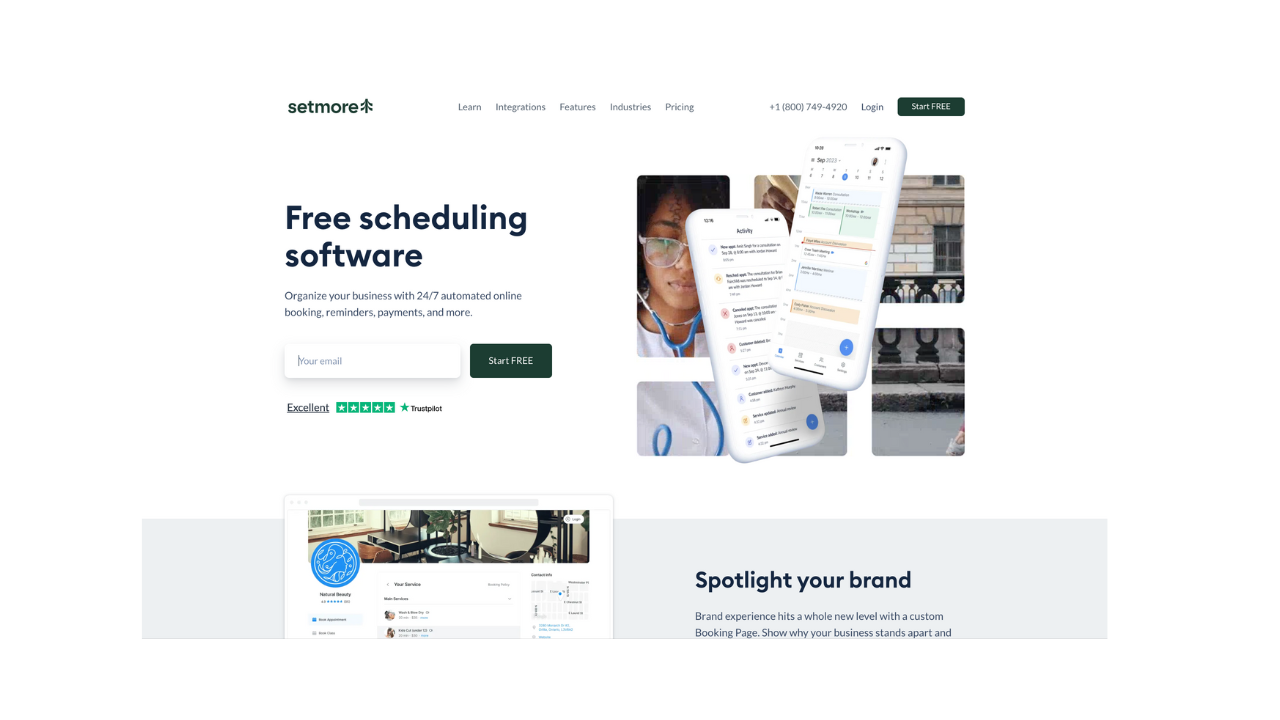
Tip: Enable SMS and email reminders. Tailor messaging to your audience to make clients feel informed and valued. Platforms like Appointlet and Setmore provide flexible messaging options.
4. Failing to Train Your Team
Even the best software won’t work if your team doesn’t know how to use it. Missteps in scheduling, rescheduling, or accepting payments can create confusion.
Tip: Conduct a brief training session and create internal documentation. Make sure everyone understands the workflow and knows how to troubleshoot common issues.
5. Underestimating the Importance of Mobile Access
If your clients or team members primarily use mobile devices, a desktop-only tool can be a roadblock.
Tip: Test your booking page and backend on mobile. Tools like TidyCal and Setmore are designed to be mobile-friendly, ensuring accessibility wherever your clients or team are.
Conclusion
Implementing booking software successfully requires attention to integration, customization, client communication, team training, and mobile access. Avoid these common mistakes, and you’ll save time, delight your clients, and see the true benefits of your scheduling system.
Explore our comparison of top booking platforms here to find the best fit for your business.